Upload & prepare
上传与准备
Choose one complete product. Crop away captions and unrelated props.
选择完整单件商品,裁掉文字和无关道具。
PRODUCT IMAGE STUDIO
Keep your product's original appearance. Remove the background, create an AI scene, add your verified selling points and export a complete image set.
保留商品原始外观,自动抠图、合成 AI 场景、排版已确认的卖点和尺寸,下载适配多平台的整套图片。
Checking studio availability…
40 image sets · $5 once40 次图片包生成 · 一次性 $5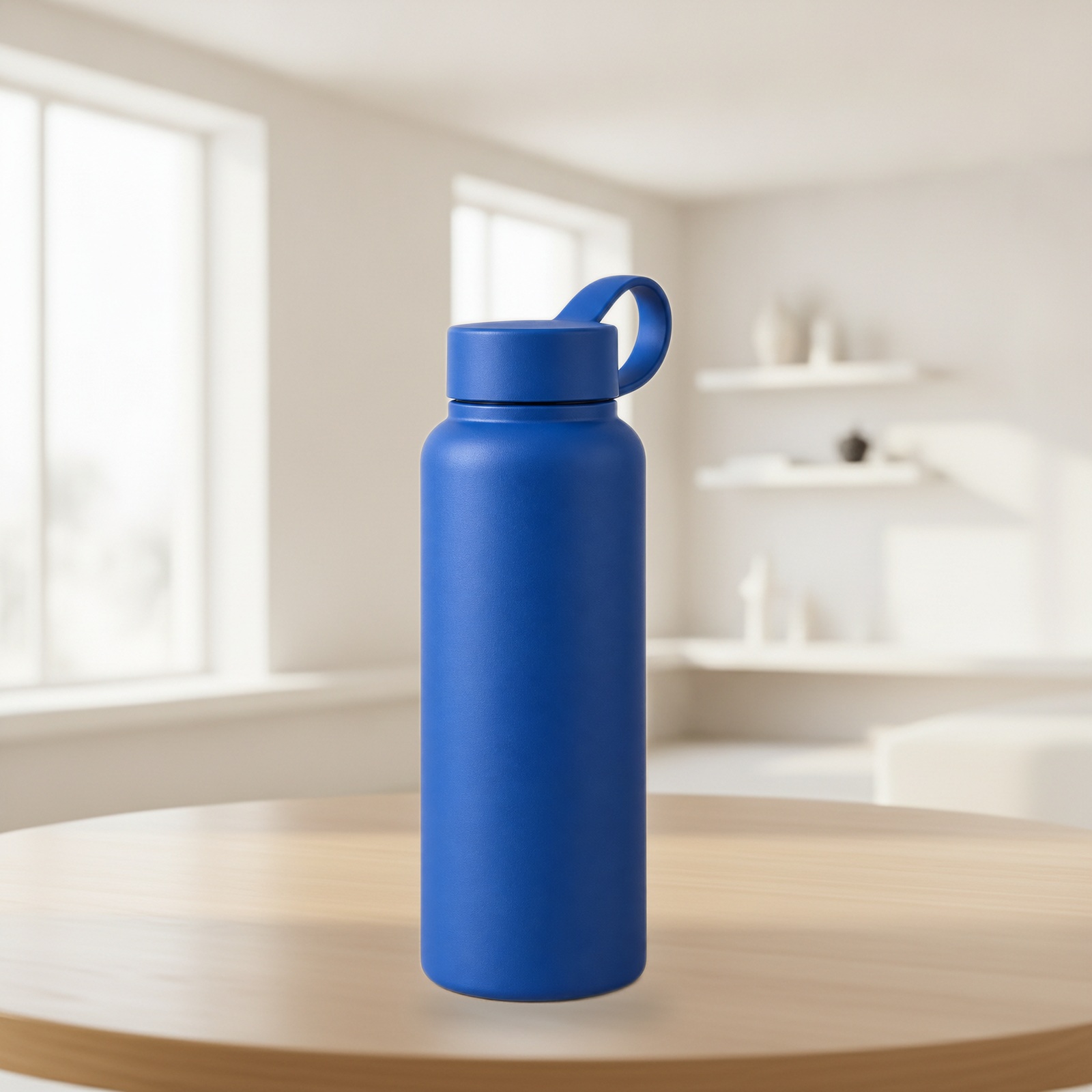
YOUR PRODUCT. YOUR WORKFLOW.
Choose one complete product. Crop away captions and unrelated props.
选择完整单件商品,裁掉文字和无关道具。
Start with a visual template. Refine the cutout, placement and brand colours.
从可视模板开始,调整抠图、摆放和品牌配色。
Review quality checks and compare with your source. Export selected images as JPG, PNG or WebP at your chosen size.
查看图片体检并对照原图,按所需尺寸导出 JPG、PNG 或 WebP 图片。
START WITH A LOOK
Explore 12 curated looks for jewellery, beauty, home and more. Preview a scene, then apply its settings to your product.
从珠宝饰品、美妆个护到家居生活,12 套精选风格已备好。先查看场景预览,再一键应用到您的商品。
AI-created style samples, not customer results. Your original product and camera angle are preserved; scene details vary. Choosing a template is free. A new scene uses 1 credit.预览为 AI 制作的风格示例,并非客户成品。实际生成保留您的商品与原始拍摄角度,场景细节会有变化。选模板不扣额度,生成新场景使用 1 次额度。
TAKE YOUR STUDIO WITH YOU
Add Image Studio to your home screen, or keep using it in your browser. No app-store download needed. AI image generation needs an internet connection.
添加到主屏幕,下次点图标即可打开;也可以直接使用网页。无需到应用商店下载,AI 图片生成需要联网。
Open the website, then follow the installation steps. Scanning alone does not install the app.
扫码打开网站,再按右侧步骤安装。扫码本身不会自动安装。
Open the mobile link打开手机版链接Opened inside WeChat, Instagram or another app? Use its menu to open this page in Safari (iPhone) or Chrome (Android), then follow the steps below.如果在微信、Instagram 等应用内打开,请从菜单选择在外部浏览器打开:苹果用 Safari,安卓用 Chrome,再按下方步骤操作。
Can't see Add to Home Screen? Scroll to Edit Actions in the Share menu and add it.
找不到“添加到主屏幕”?滑到分享菜单底部,点“编辑操作”添加该选项。
You can always use the website directly. In supported Chrome or Edge browsers, check the address bar or browser menu for Install app. On phones, use the Safari or Chrome steps above. If already installed, open Image Studio from your home screen.
您始终可以直接使用网页。支持安装的 Chrome 或 Edge,可在地址栏或菜单中寻找“安装应用”。手机请按上方 Safari 或 Chrome 步骤操作;已安装的用户可直接点击桌面上的图片工作室图标。
Your pack and credits work across devices. Save your project to the cloud before switching, then use your order ID and private access key to open the same pack. This public QR code does not sign you in or transfer your private key.
手机和电脑共用套餐与额度。换设备前先保存云端项目,再用订单号和私密访问码打开同一套餐。此二维码只打开公开页面,不会自动登录或传递私密访问码。
SOURCE → FINISHED SET
Compare the same product before and after processing. Open any image to inspect the edges, texture and layout before you buy.
对照同一商品处理前后的结果,点击图片放大检查边缘、纹理与排版,再决定是否购买。
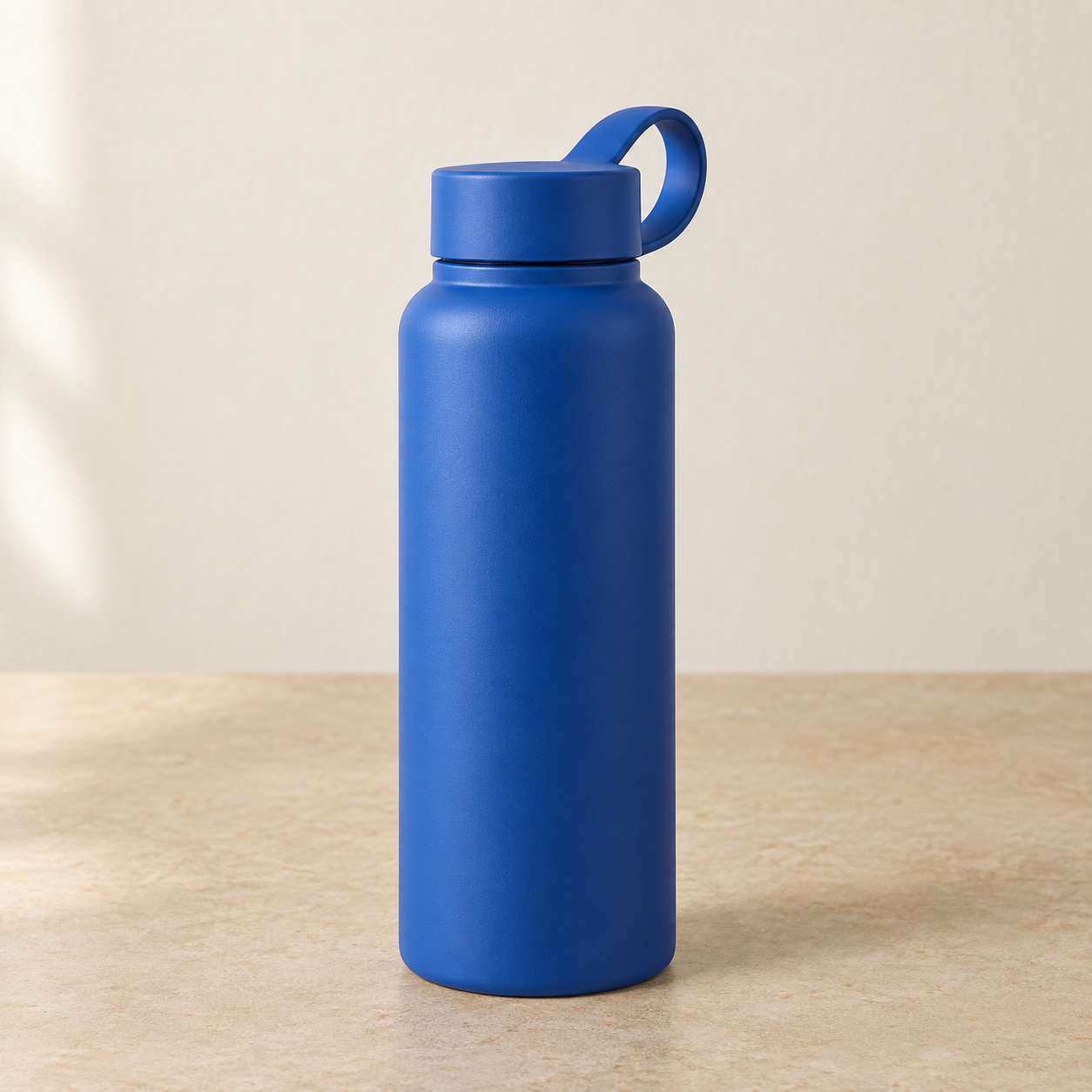
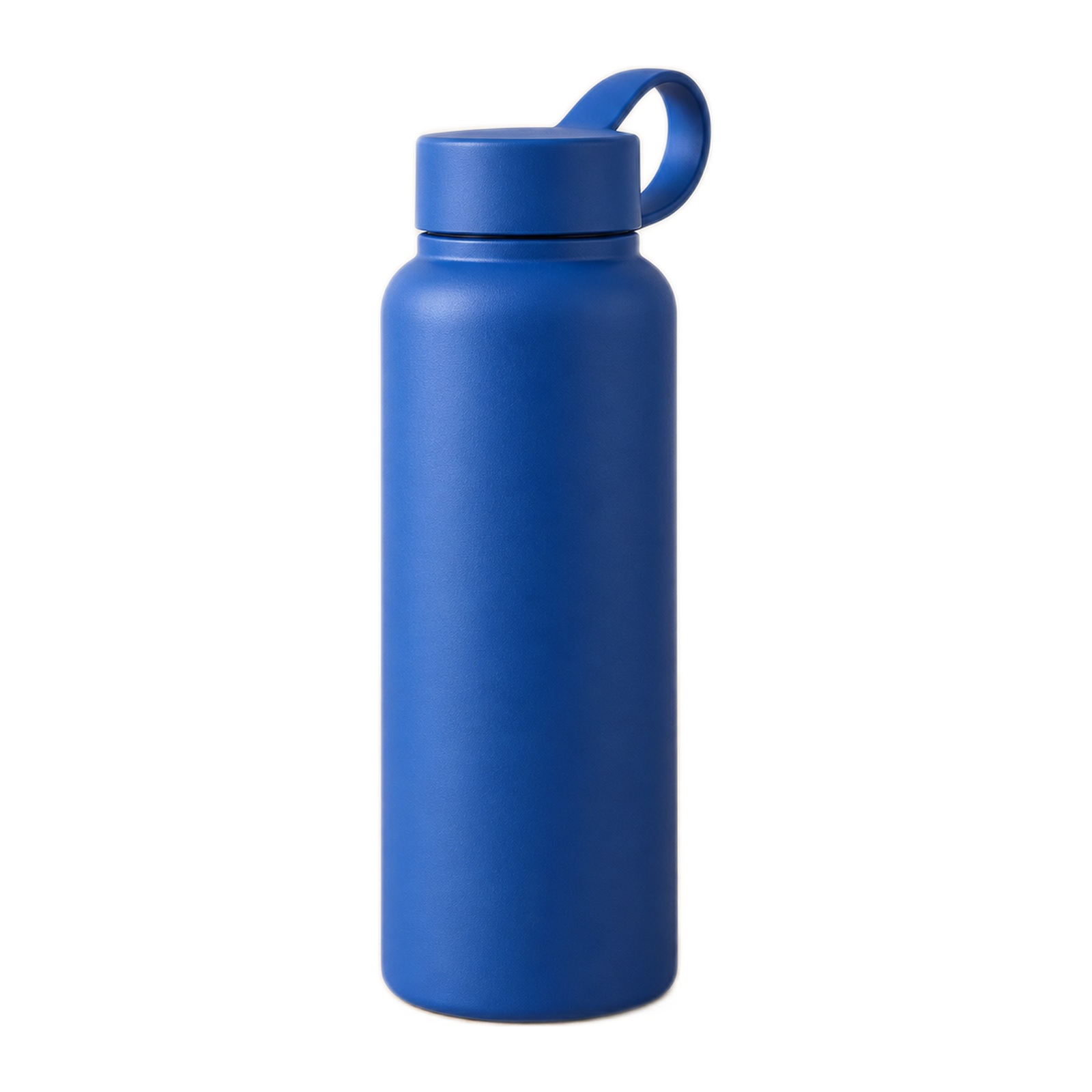
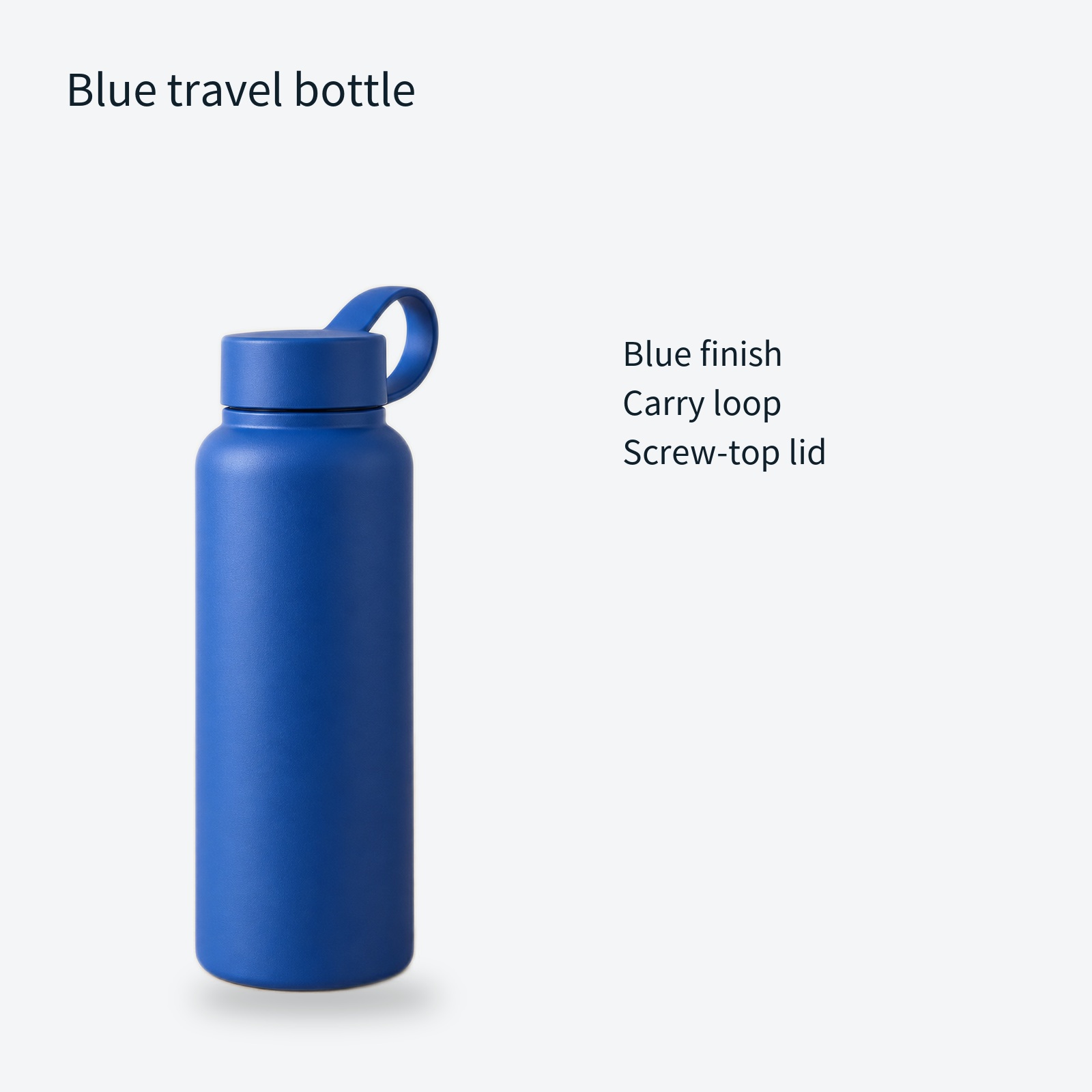
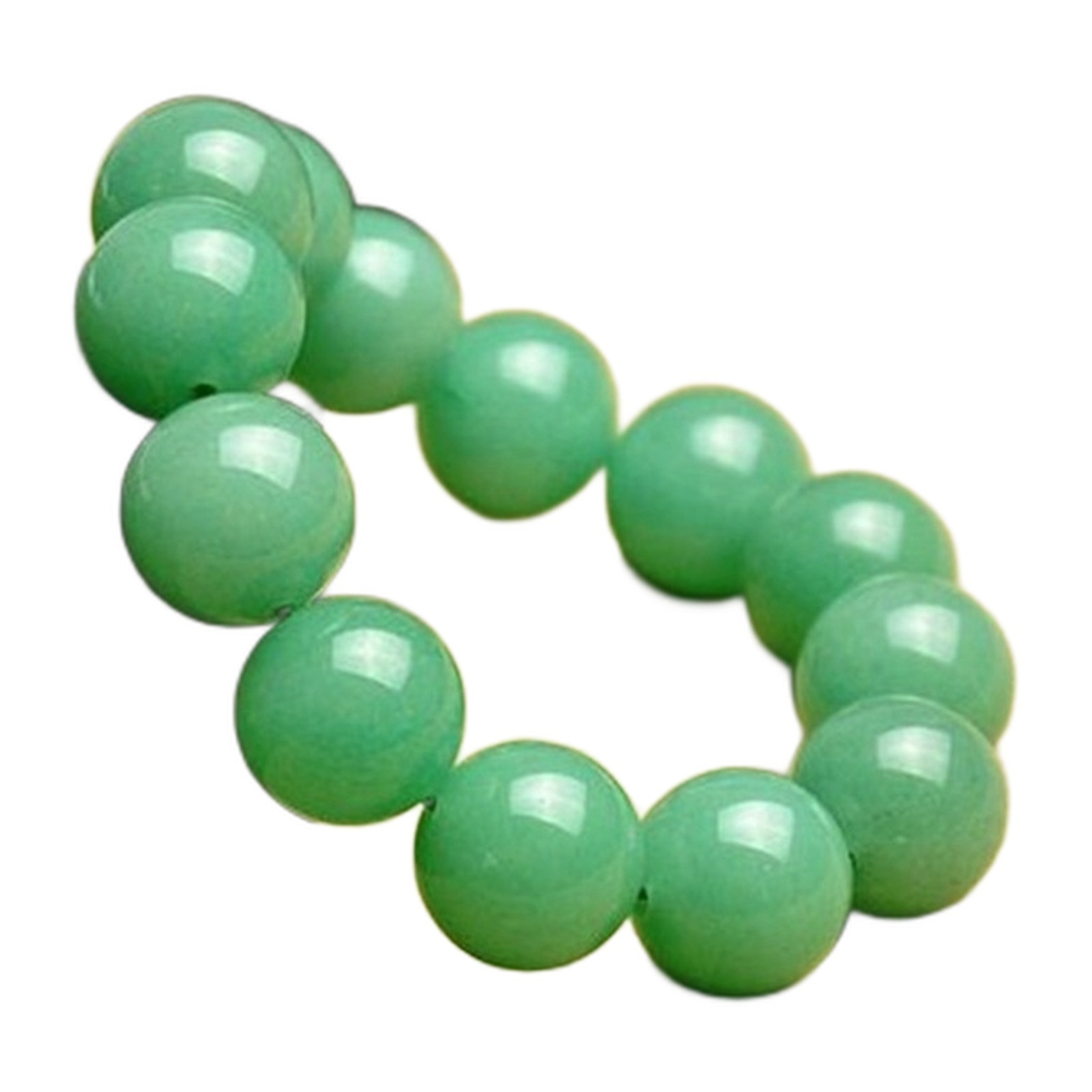
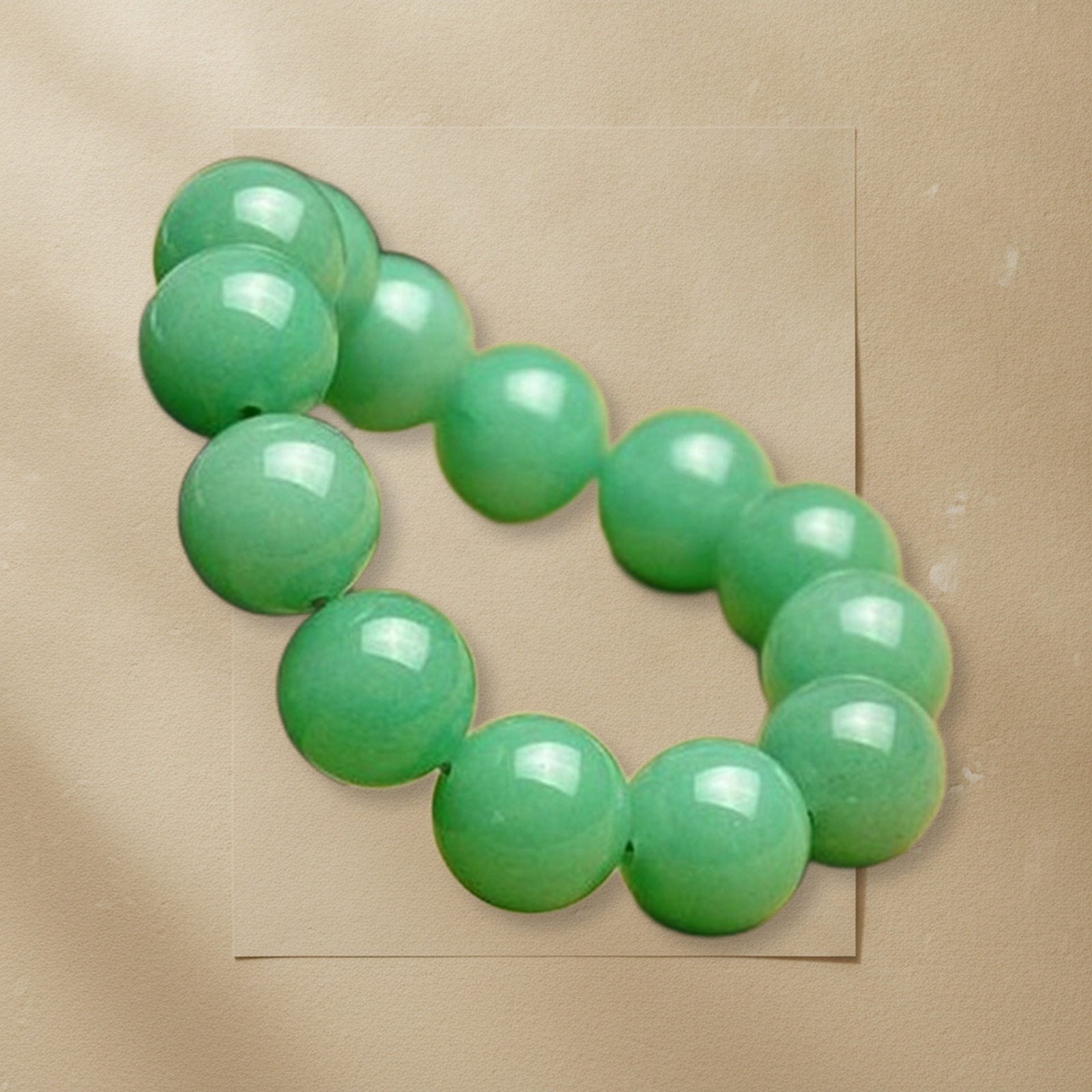
The background and layout change. Your original product cutout is resized and composited into the scene; this does not create a new camera angle. Check the cutout and contact shadow against your source.
替换背景并调整构图,将原商品抠图缩放后合成,不生成商品新视角。请检查抠图边缘、接触阴影与原图是否相符。
Edit captions, panel colour, product size and export channels using a recent cached scene for no credits, within the order's edit limit. A new AI scene uses one credit. Use the cutout brush to erase or restore original pixels.
复用近期背景可修改文字、面板配色、商品大小和导出平台,在订单排版次数限制内不扣额度。新场景扣一次额度;可用抠图画笔擦除或恢复原始像素。
Illustrative demo: the source product is AI-created, not a customer submission. These outputs were produced by our live processing code using local background removal and one actual AI scene request. Dimensions in the downloadable test set are layout examples, not measured product specifications.
演示说明:原始商品图为 AI 创作,非客户案例。以上结果由本产品实际处理代码完成抠图,并调用一次真实 AI 场景生成。测试图片包中的尺寸仅为排版示例,并非测量结果。
REAL PRODUCT PHOTO TESTS
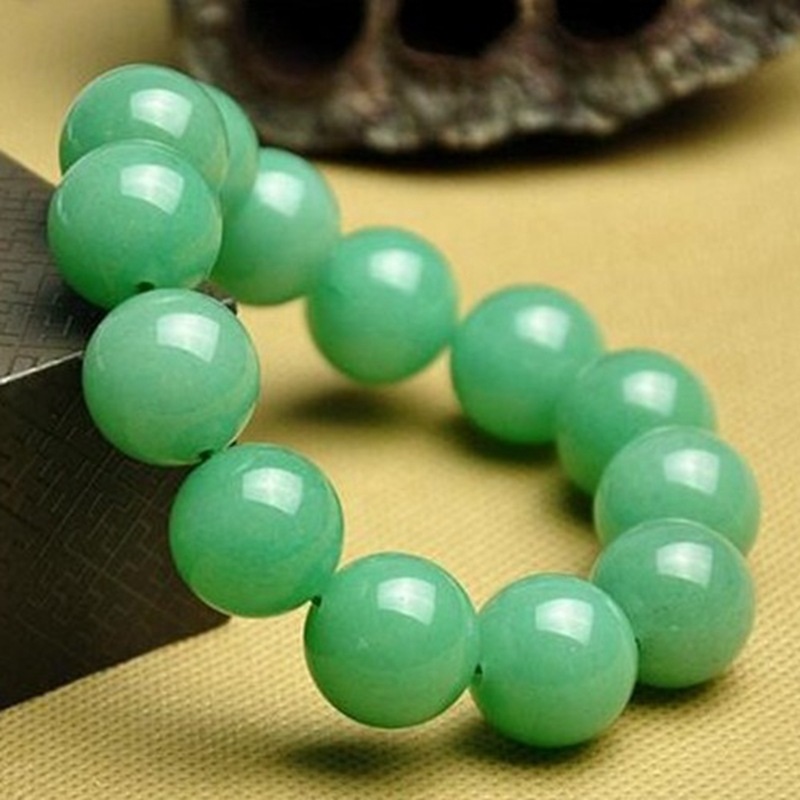
These three examples use owner-supplied product photos and this studio's actual output. The pendants were cropped first; all three use the alternative detail cutout reviewed before export. Original product pixels are composited into AI backgrounds.
以下三组使用站点所有者提供的真实商品素材,由本工具实际处理。吊坠先裁切素材,三组均选择精细备选抠图并在导出前复核,再把原商品像素合成到 AI 背景中。
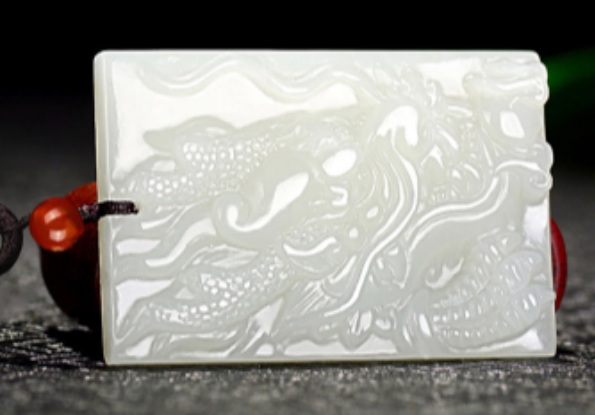
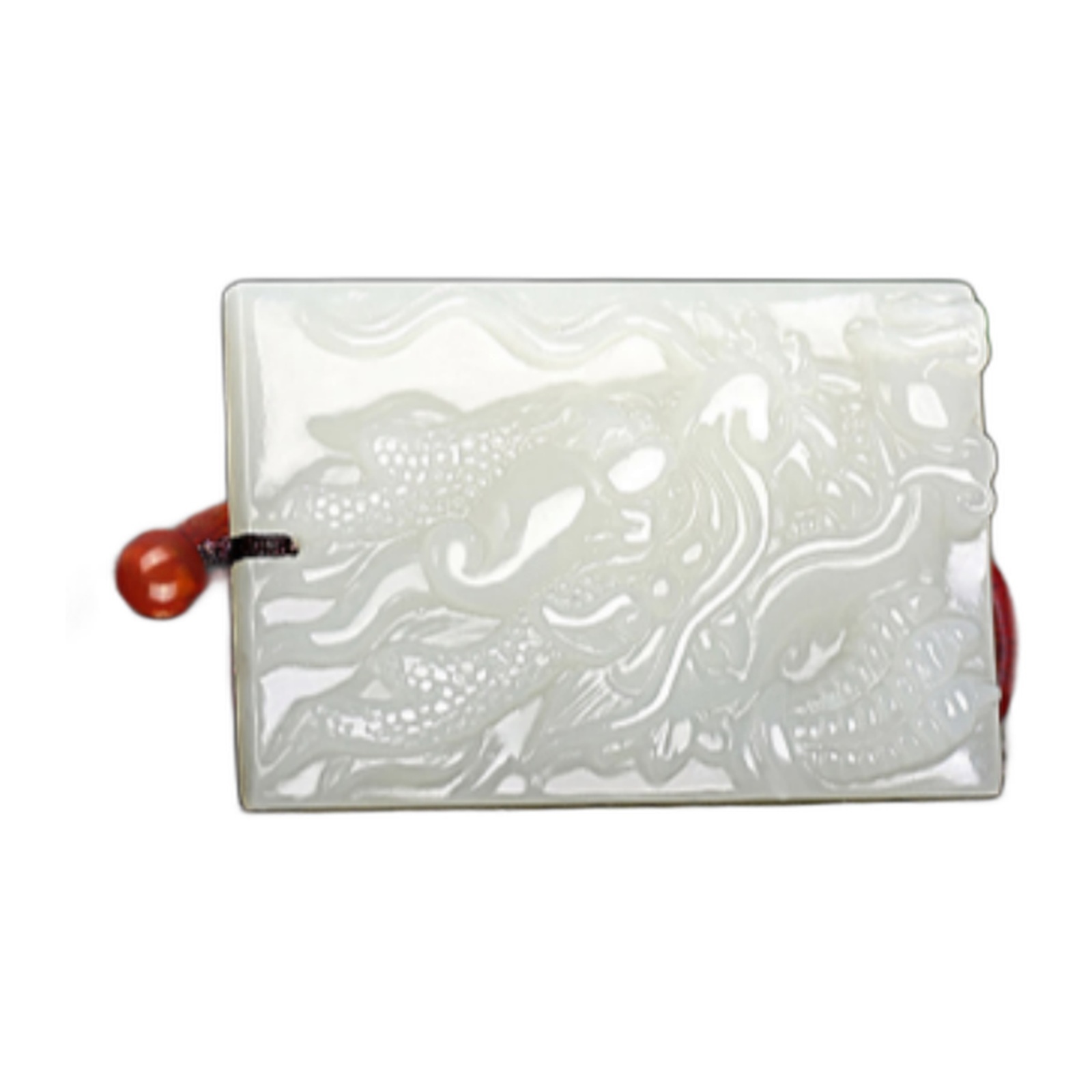
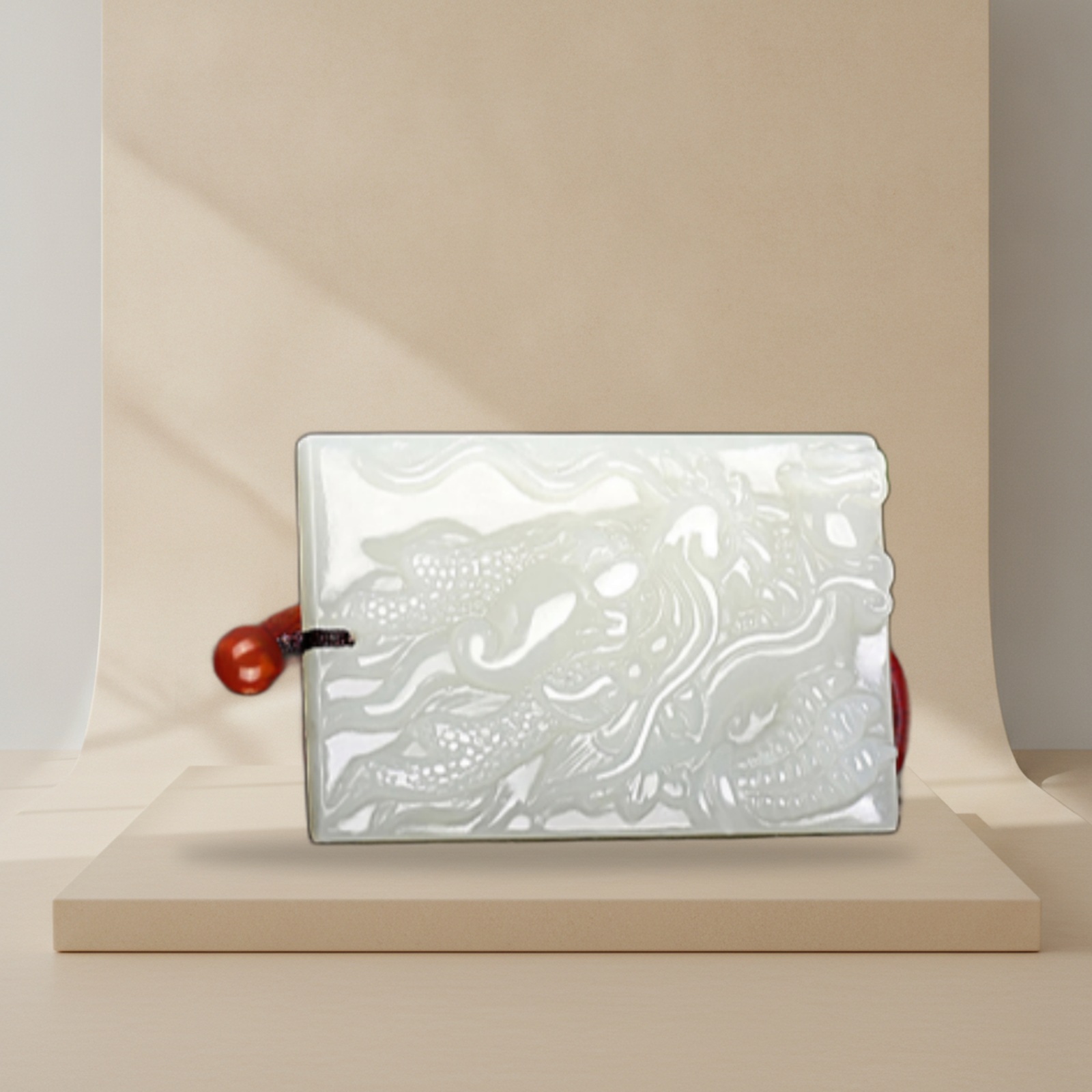
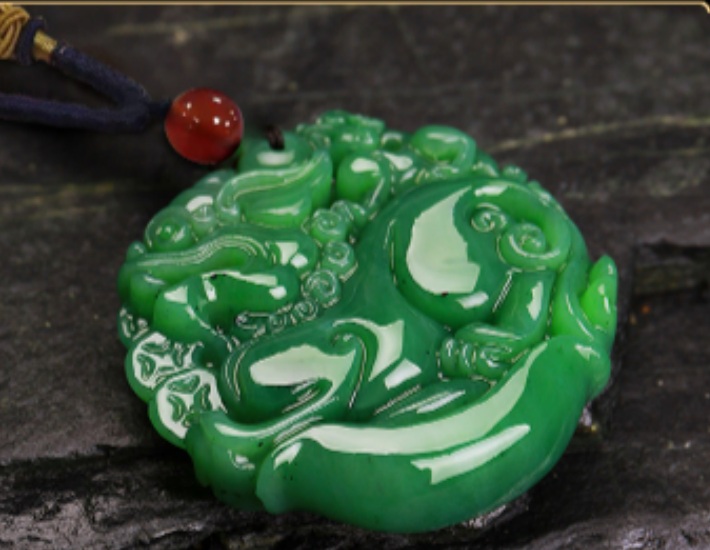
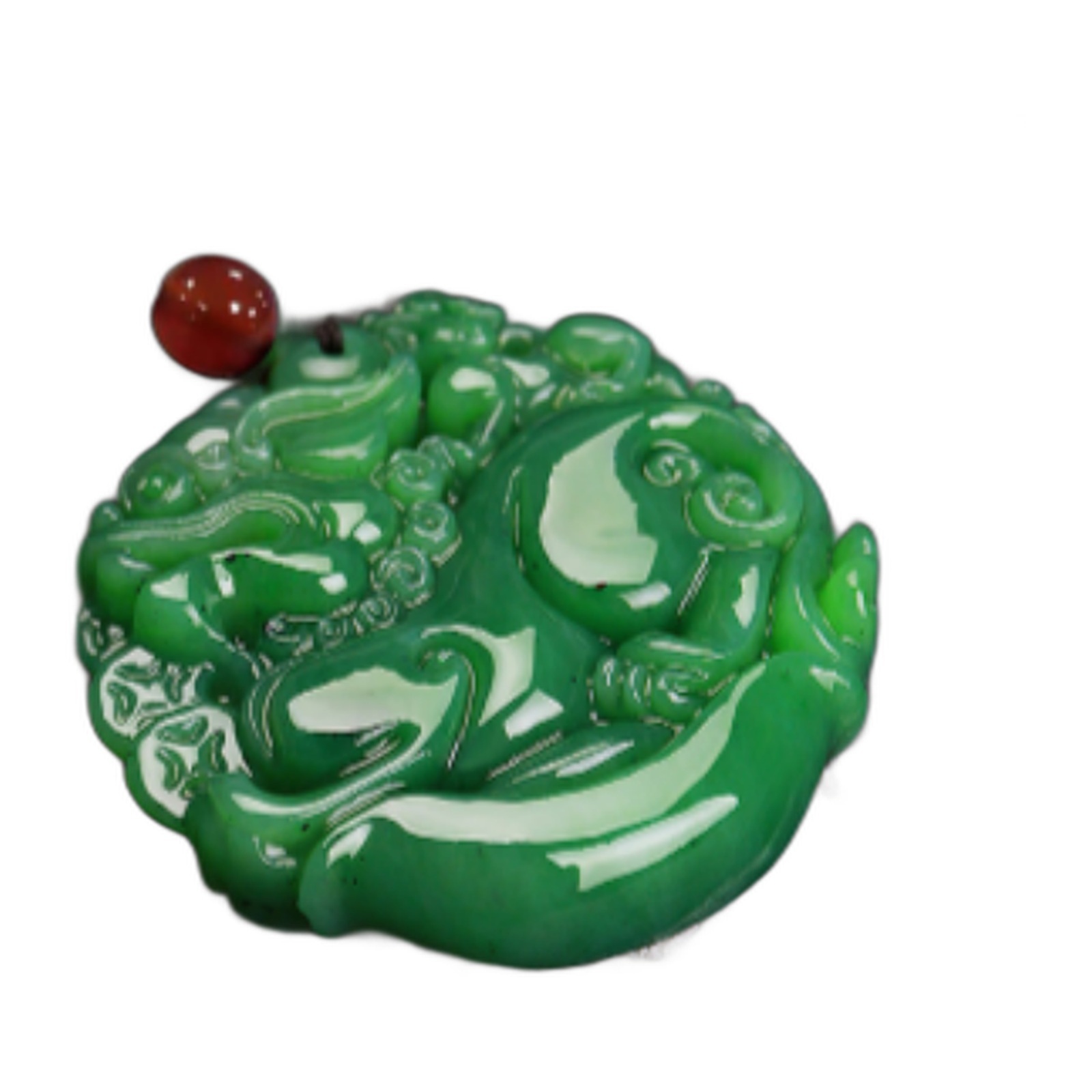
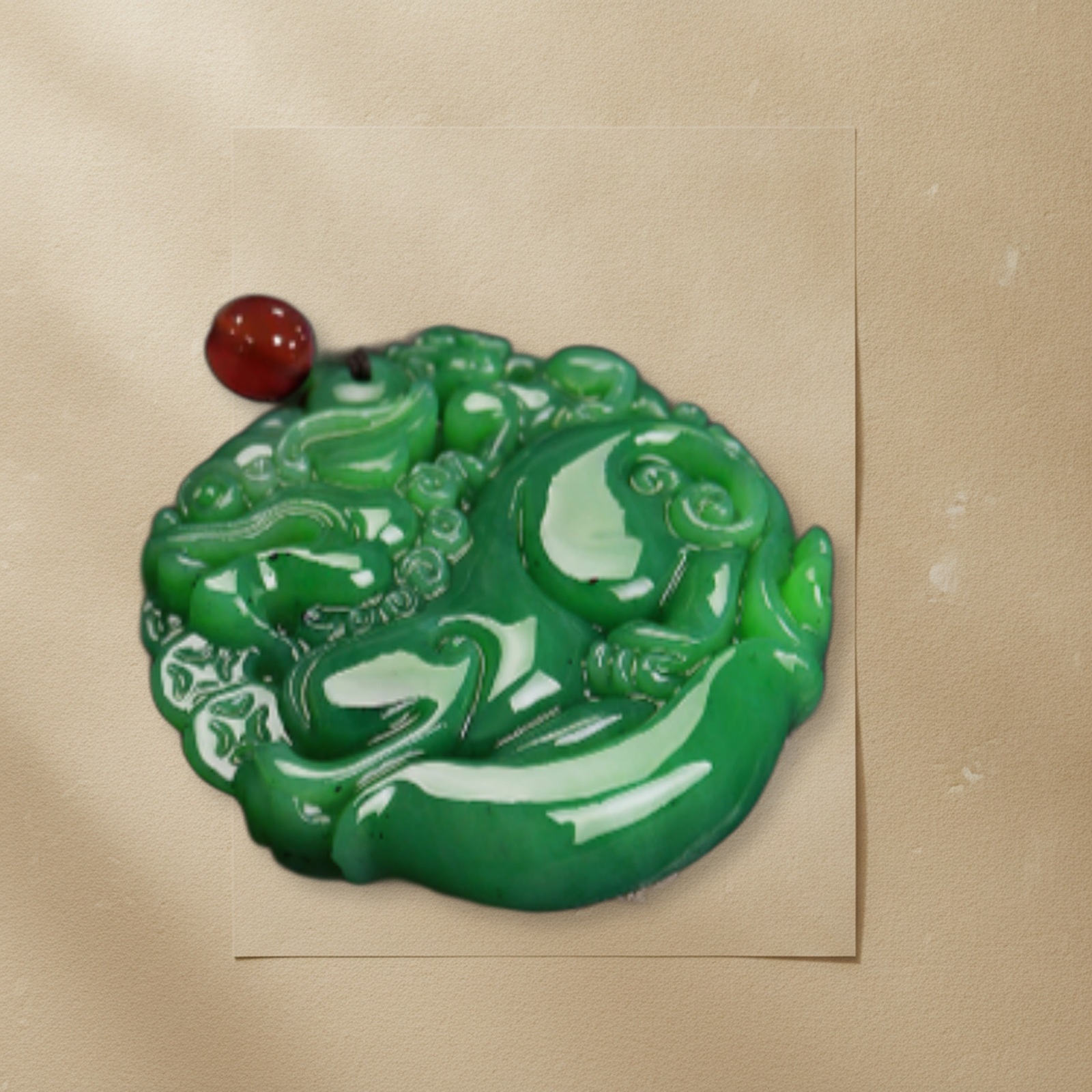
These are selected examples, not a guarantee for every photo. Fine cords, translucent edges, bead holes and objects overlapping props still need review or brush repair. A larger export does not recover detail absent from a small source. No competitor ranking or sales uplift is claimed.
这些是经挑选和复核的示例,不代表所有图片都能一键达到同样效果。细绳、半透明边缘、珠串镂空以及与道具重叠的部分,仍需复核或画笔修正;放大导出不能补回原图缺失的细节。未宣称竞品排名或销量提升。
Prepare my product photo / 裁切我的商品图Loading / 正在读取…
Up to two product sets can run at once. Each new AI scene uses one credit; cached layout edits use no credits. Timing statistics measure successful processing, excluding queue time; fewer than five samples are not presented as typical speed. Provider load and source complexity affect completion time.
最多两个商品图片包同时处理,新 AI 场景使用一次额度;复用背景的排版不扣额度。统计展示成功任务的处理时间,不含排队;不足 5 个样本时不宣称典型速度。模型负载和素材复杂度会影响完成时间。
Start with a clear, well-lit photo of one solid object with visible edges. If you already have a clean transparent PNG, you can keep that cutout. Glass, translucent packaging, fur and very fine details need extra review. Use the cutout brush for edge repairs; virtual try-on and direct store publishing still require another workflow.
优先使用单个不透明商品、光线清晰、边缘明确的照片;已有精细抠图时,可上传透明 PNG 保留抠图。玻璃、半透明包装、毛发和细小结构需要额外复核。抠图边缘可用画笔修正;虚拟试穿与直接发布到店铺仍需配合其他工具。
Check your photo for free先免费检查图片Check format, dimensions and resolution on your device. No upload, account or image credit is needed. This checks technical suitability, not cutout quality.
在本机检查格式、尺寸和分辨率,无需上传、注册或消耗额度。此检查评估技术条件,不预测抠图质量。
Purchase an image pack in the order portal, then return here. Your existing order key protects every preview and download.
先在订单页面购买图片套餐,再进入工作台。预览和下载均受订单访问码保护。
Order, payment & support / 订单、付款与客服One photo represents one product. Use a clear JPG, PNG or WebP, up to 20 MB and 20 megapixels. A transparent PNG preserves your existing cutout. Upload up to 10 photos for a batch; each photo creates one set.
一张图片对应一个商品。支持 JPG、PNG、WebP,单图不超过 20 MB / 2000 万像素;透明 PNG 可保留原抠图。批量最多 10 张,每张分别生成一个图片包。
Compare cutout edges, product labels and captions with your source. Approve a completed set, download individual files or its ZIP, or load the settings to generate a new version. Downloads do not spend credits.
请对照原图检查抠图边缘、标签和文字。可确认图片包、单图或 ZIP 下载,也可载入设置后修改重做;重复下载不扣额度。
Transparent product PNG and 1600, 2048 or 3200 px square white-background main images. No added main-image captions.
透明商品 PNG、1600、2048 或 3200 像素方形白底主图;主图不添加宣传文字。
Choose a locally processed white layout or one AI environment shared across the selected platform layouts. The original cutout is composited into it.
可选本地纯加工白底排版,或一次生成 AI 环境并应用到所选平台版式;将原商品抠图合成到场景中。
Selling-point and size-information cards from your verified inputs. Missing facts produce no corresponding card.
使用已确认数据制作卖点图和尺寸说明图;未填写的内容不生成对应图片。
Square gallery images for four channels, a 1464 × 600 Amazon banner draft, a 1080 × 1920 TikTok creative and a 1600 × 900 store banner.
四渠道方形商品图、1464 × 600 Amazon 横幅草稿、1080 × 1920 TikTok 营销竖图、1600 × 900 独立站横幅。
These are design presets, not official submission guarantees. AI backgrounds are generated around 1K and resized for export; the manifest records native dimensions. Transparent/glass objects, fur and fine edges may require correction. Verify marketplace category rules before publishing. This version does not change product viewpoints, create videos or publish to seller accounts.
这些为设计预设,不能替代平台类目审核。AI 背景通常约 1K,导出时调整尺寸;清单会记录原生分辨率。透明/玻璃、毛发和精细边缘可能需要修正。当前不生成商品新视角、不制作视频、不自动发布到卖家后台。
Credits are valid for 90 days after payment. Output files are retained for 30 days. Image packs are separate from Listing text packs and include automated processing, not manual retouching. Use order support for correction or refund requests.
额度付款后 90 天内有效,结果文件保留 30 天。图片套餐与 Listing 文案套餐单独计费,包含自动处理,不包含逐图人工精修;可在订单中申请更正或退款。